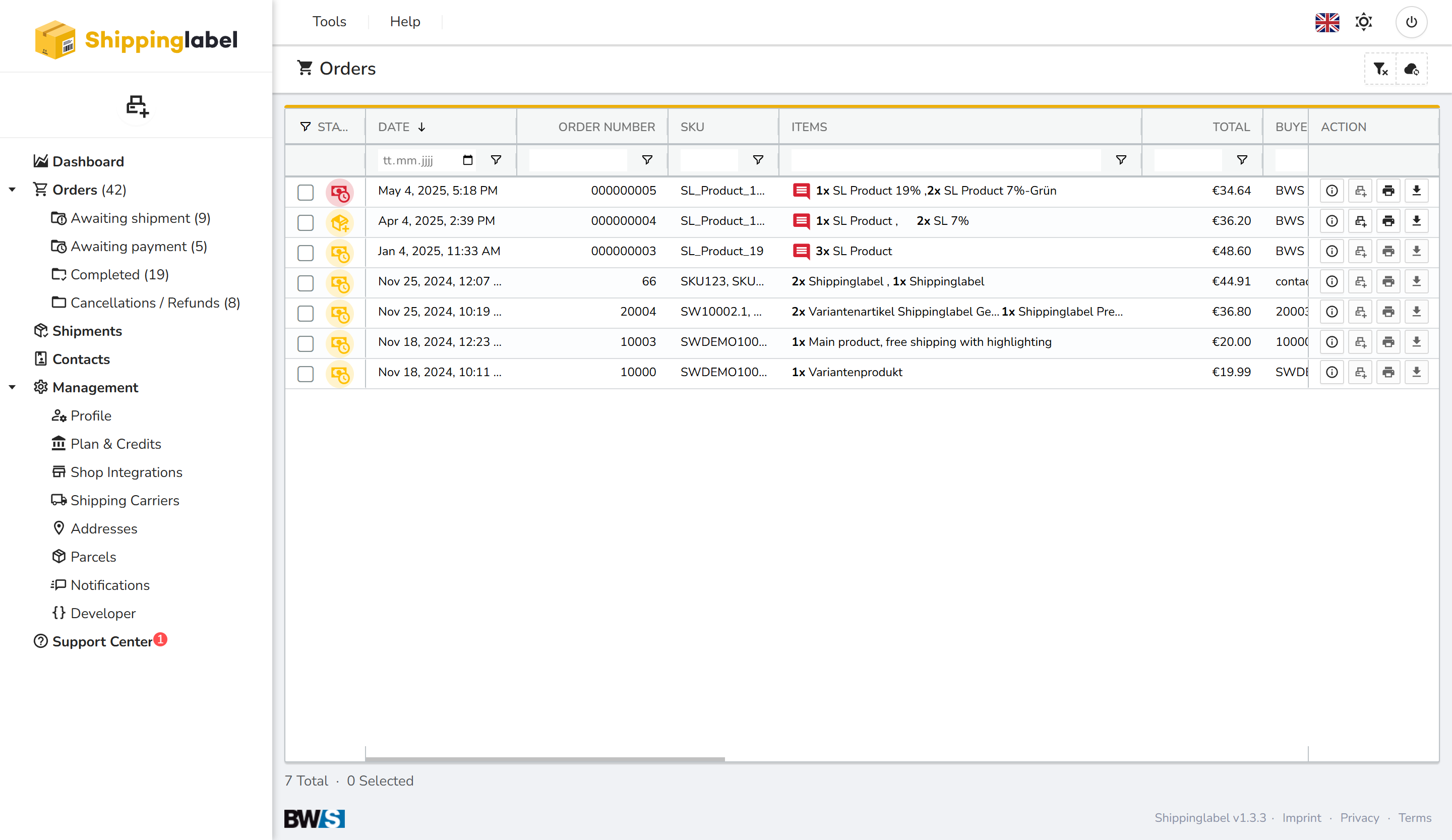
In the Awaiting Payment section, you will find all orders for which payment has not yet been completed.
These orders cannot be shipped or completed until payment has been confirmed.
Actions in the Table
On the right-hand side of the table, you can perform the following actions for each order:
- Show details
- Check payment
- Edit order
- Prepare label (only available after payment is received)
Reviewing Order Details
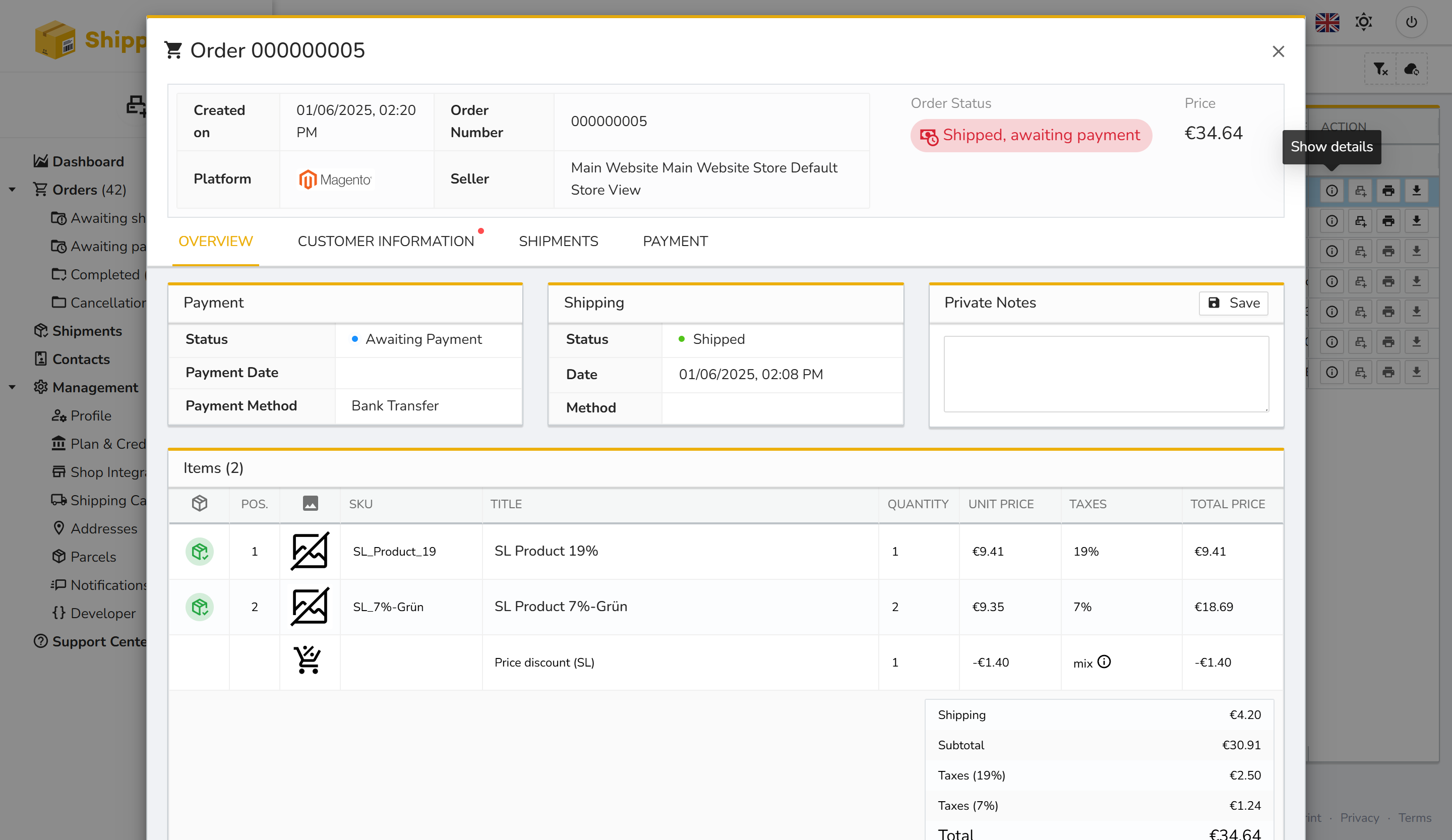
Via the action icon, you can open the detailed view of any order.
This window shows all important information including:
- Marketplace platform
- Seller
- Payment method
- Current Payment status