In the Addresses section, you can create and manage sender and return addresses. These addresses are used during shipment creation and help streamline your shipping process by applying consistent sender data automatically.
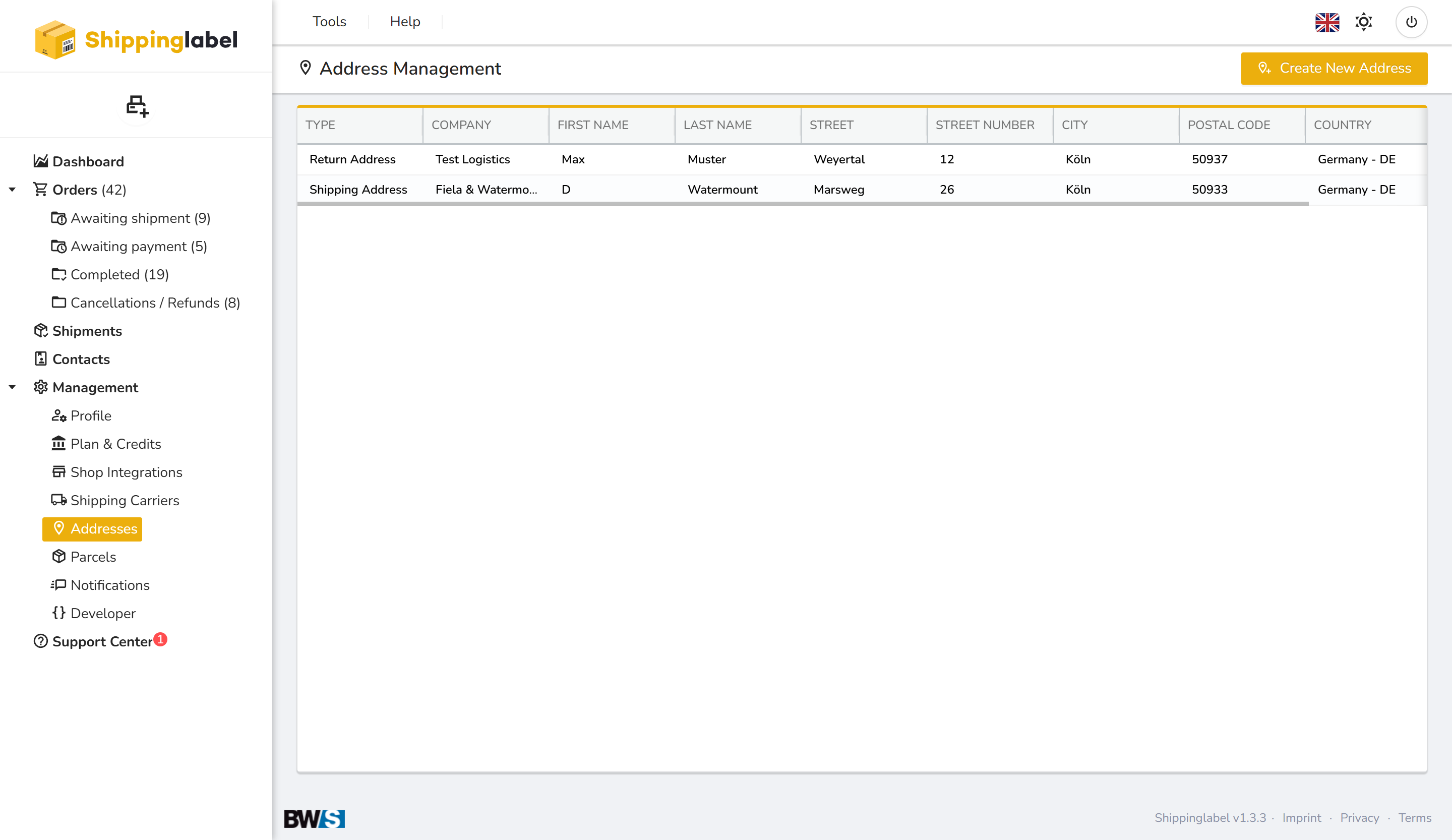
Available address types
Shippinglabel currently supports two address types:
| Type | Purpose |
|---|---|
| Shipping Address | Used as the sender address on the shipping label |
| Return Address | Used for returns or as an alternative sender address |
How to add a new address
- Click Create New Address in the top right corner.
- Choose the address type (Shipping or Return).
- Enter the complete address information.
- Click Save.
The new address will then be available for selection when creating a shipment.
Editing or deleting addresses
- To edit an address, double-click the entry in the address list.
- To delete an address, click the trash bin icon 🗑️.
→ Note: An address cannot be deleted if it is linked to an active shipment.