In the Plan & Credits section, you have access to all relevant information about your current plan and available credits. You can monitor your balance, top it up, and manage how you are billed. All details are divided into three tabs:
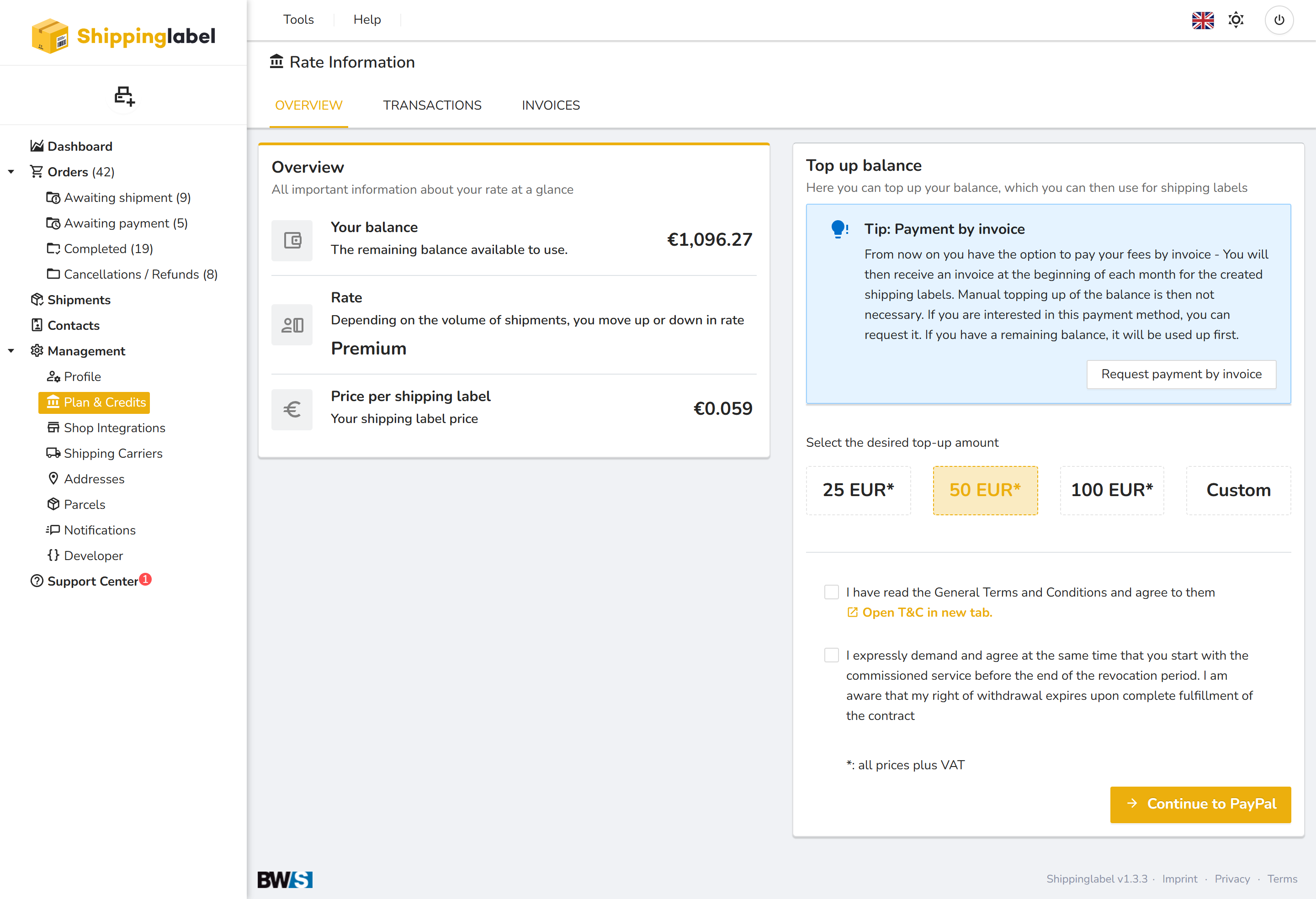
Overview
- Your balance:
Displays the remaining credit you can use to generate shipping labels. - Your plan:
Your plan level adjusts automatically based on your monthly shipment volume. A higher volume results in a lower price per shipping label. - Top up balance:
Select a predefined amount or enter a custom value to increase your balance for shipping labels.
→ Tip: Payment by invoice
You can also request to pay your fees by invoice. In this case, you will receive a monthly invoice for all generated shipping labels and no manual top-up is needed. If any credit remains, it will be used first.
Transactions
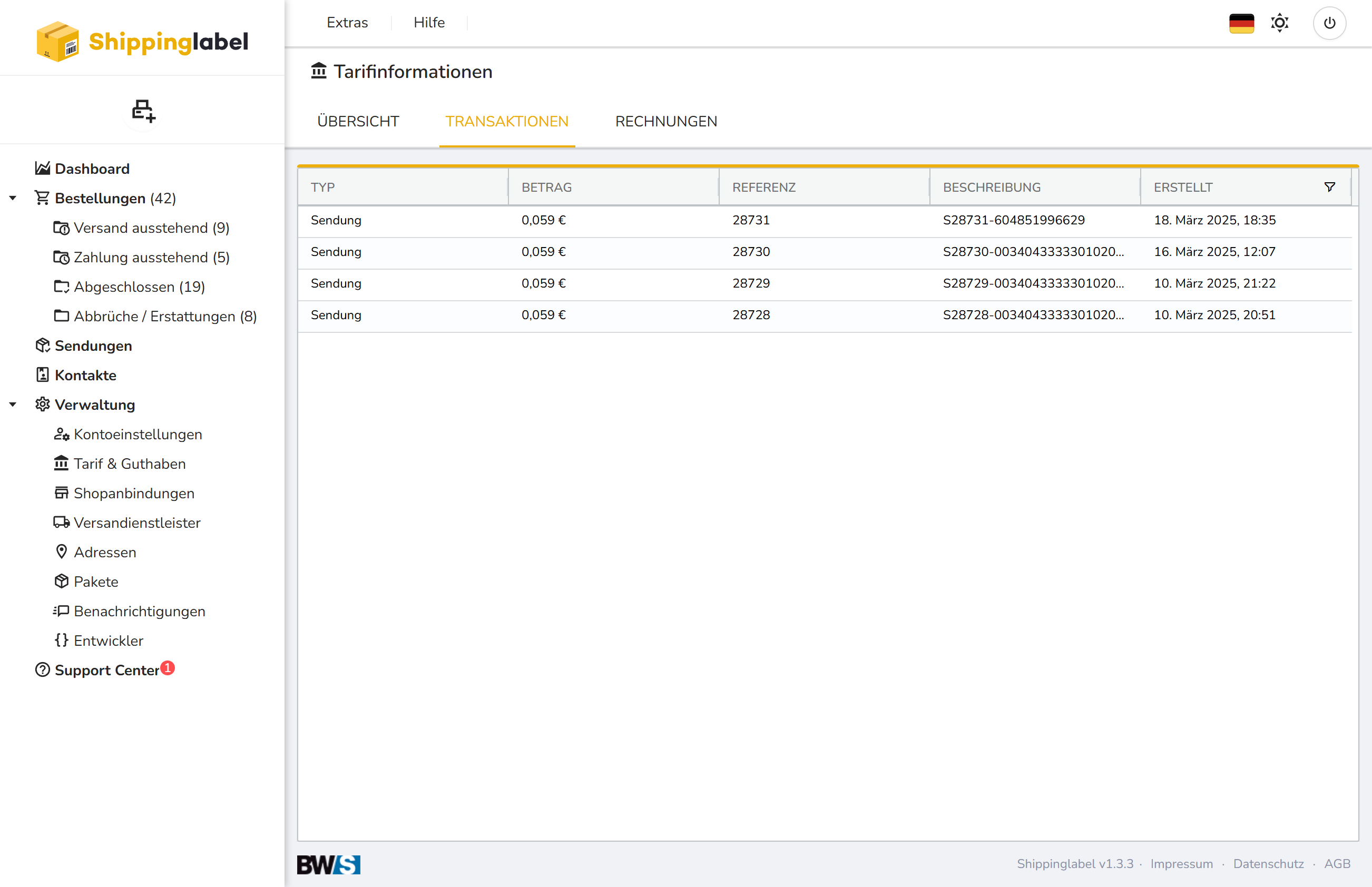
This tab shows a list of your latest transactions. Each transaction includes the following details:
- Type
- Amount
- Reference number
- Description
- Creation date
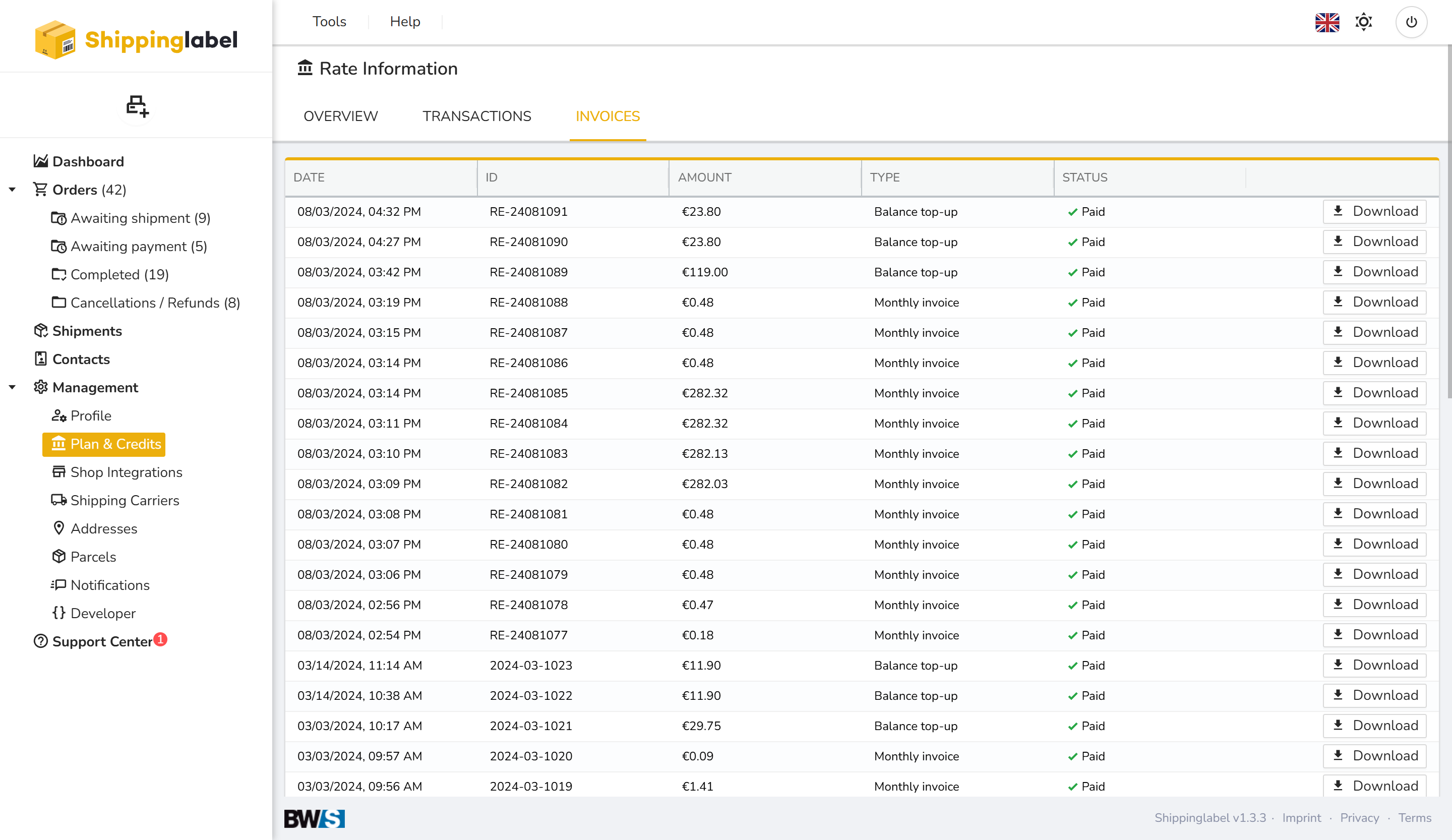
Invoices
In the Invoices tab, you will find a complete list of all invoices. You can download them at any time using the provided button.