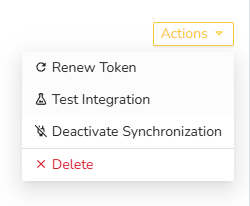
In the Shop Integrations section, you can connect your online shops and marketplaces to Shippinglabel. All incoming orders from connected platforms are imported automatically and made available for processing within your account.
To set up a new integration:
- Select the desired shop or marketplace from the list.
- Click Add Account.
- Enter the required access credentials to authorize the connection.
Managing Shop Connections
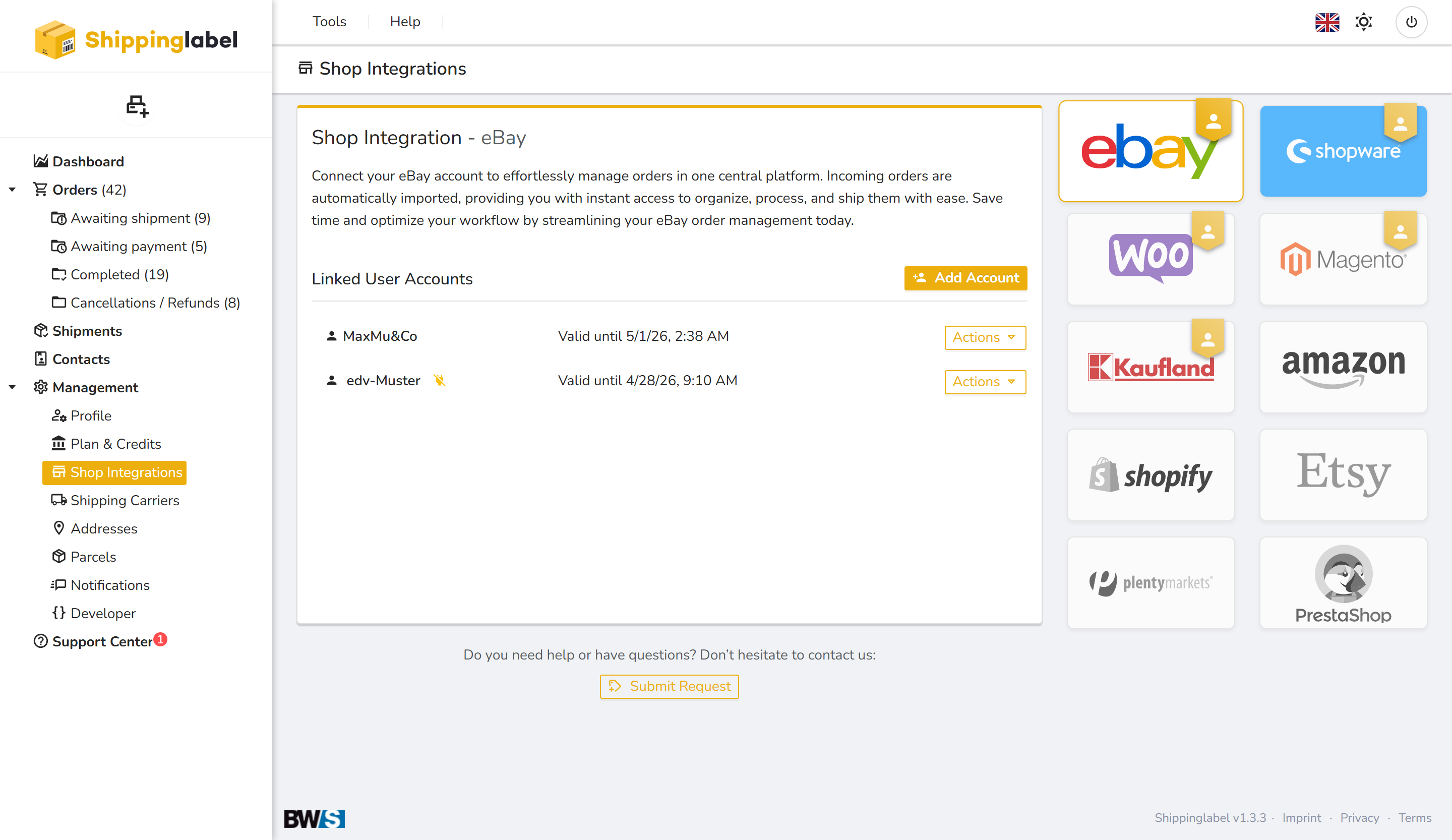
Each linked user account can be managed using the Actions menu. The following options are available:
- Renew Token: Extend the authentication token if it is about to expire.
- Test Integration: Check if the connection to the platform is working properly.
- Deactivate Synchronization: Temporarily stop the data exchange without removing the account.
- Delete: Permanently remove the integration.