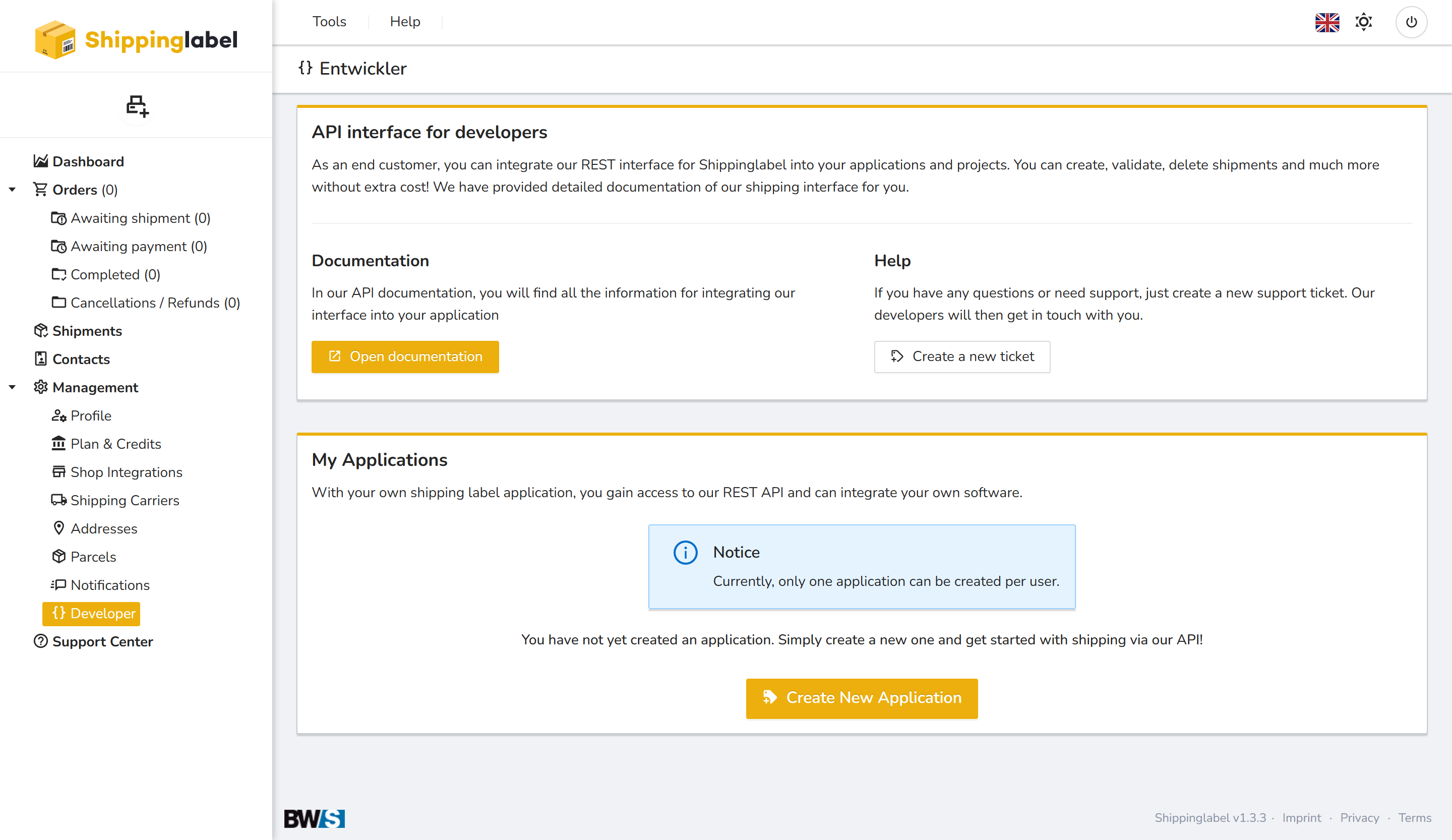
The Developer section allows you to connect your own software or systems directly to the Shippinglabel platform—at no additional cost. With our powerful REST API, you can automate a wide range of processes such as creating, validating, and canceling shipments.
API Documentation
All technical details needed for integration are available in our API documentation.
Click the Open documentation button to access the full guide.
Getting started with the API
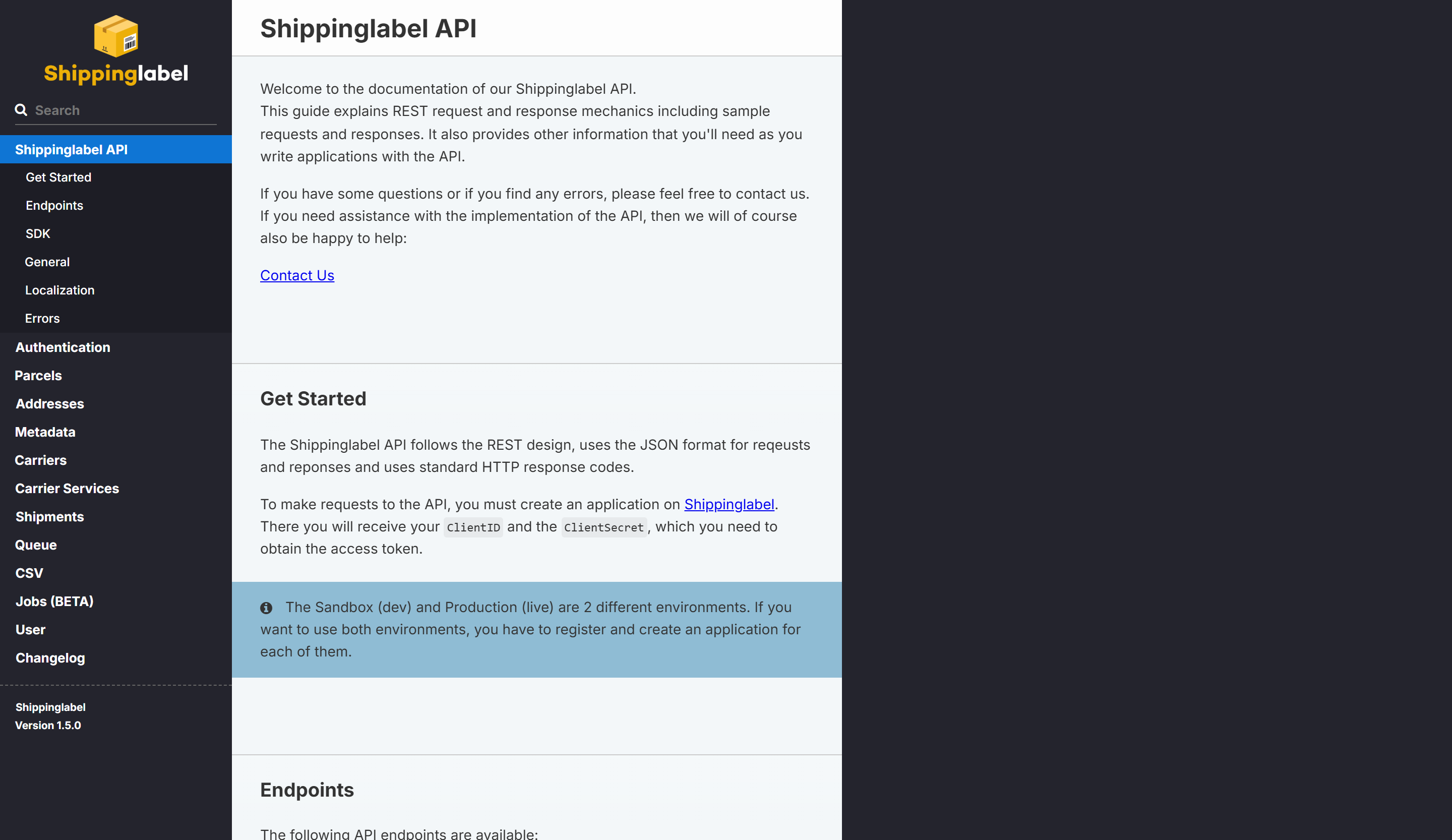
Our Shippinglabel API documentation provides a comprehensive overview of all technical capabilities of the interface. It is intended for developers who want to connect their own applications or systems to Shippinglabel.
The Shippinglabel API is REST-based and uses JSON for request and response formatting. You’ll find:
- General principles, authentication, and error handling
- REST endpoints for shipments, addresses, metadata, and more
- Example requests and responses in JSON
- Standard HTTP status codes (e.g., 200, 400, 401, 500)
ClientIDandClientSecret(generated when you register your application)- Details on using the Sandbox (test) and Production (live) environments
Documentation structure
- Get Started: How to authenticate and request tokens
- Endpoints: List of all REST endpoints
- SDK: Available client libraries (if provided)
- Shipments, Parcels, Carriers: Core logistics endpoints
- Authentication: Access control and security
- Errors: Overview of all error codes
- Changelog: Recent changes and updates
Developer support
Need help during implementation? You can open a support ticket directly in the dashboard via the Create a new ticket button.
Our developer team will get back to you as soon as possible to assist with any issues.
Manage your applications
In the My Applications section, you can register your own integration.
Each account can currently register one application. You’ll see:
| Column | Description |
|---|---|
| Name | Name of the application |
| Created Shipments | Number of shipments processed via the app |
| Linked Users | Number of users linked to this application |
| URL | Link to the external system or software |
| Details | Opens further technical information and settings |