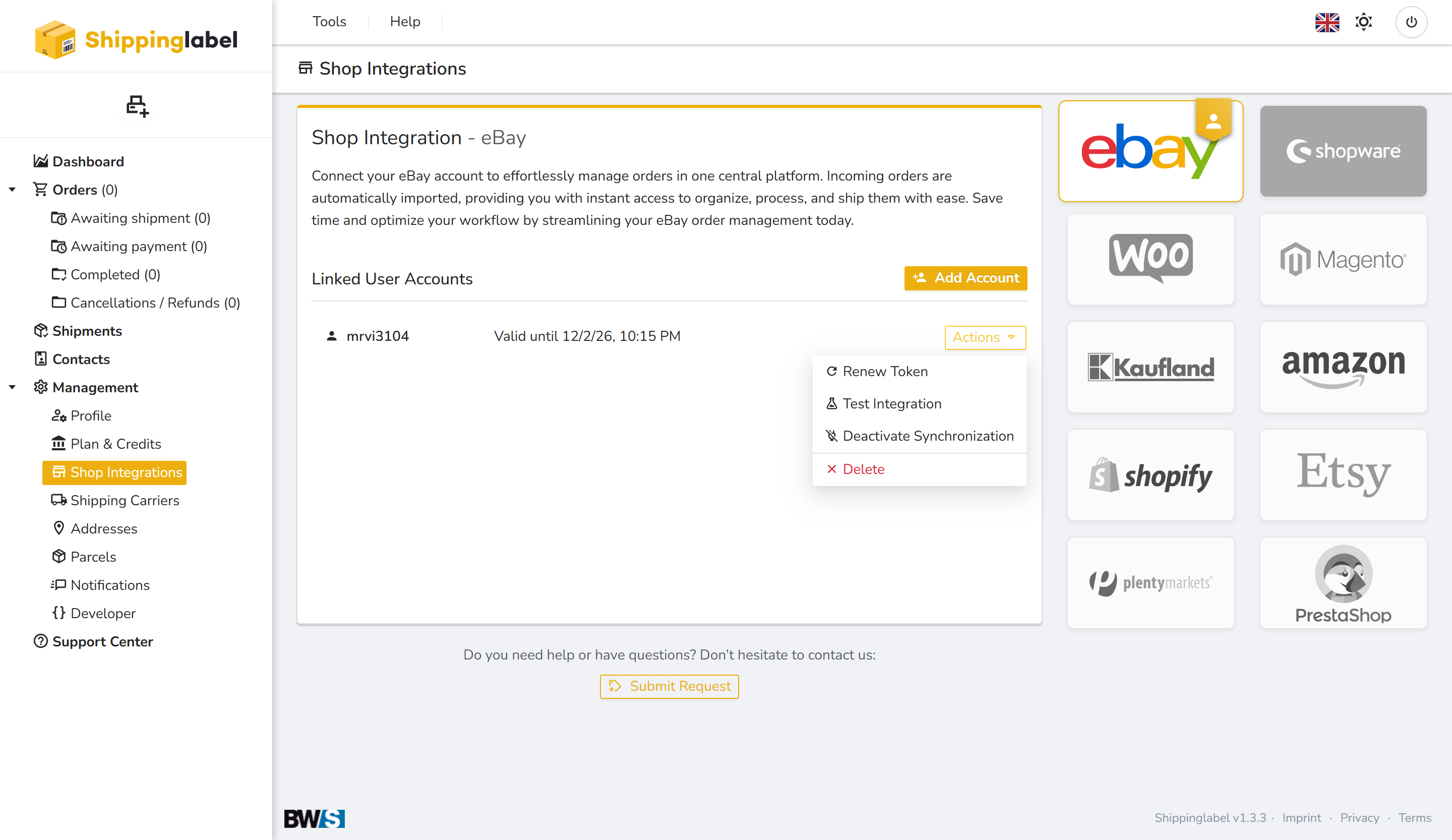
With Shippinglabel, you can easily connect your eBay account to manage your orders in one central place. All incoming orders will be imported automatically and made available in real time for processing and shipping. This guide will walk you through the steps to link your eBay account with just a few clicks.
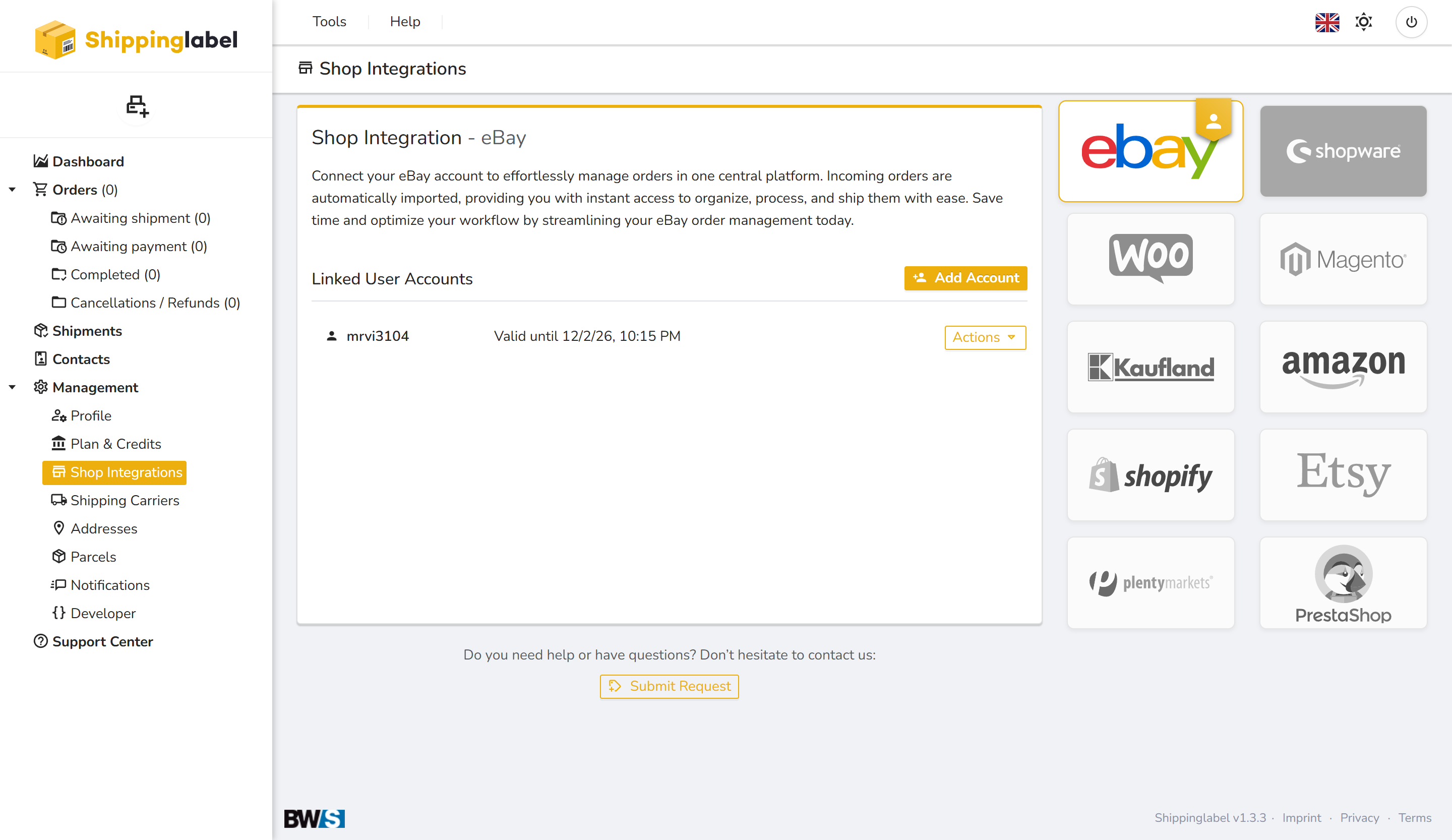
Step 1: Navigate to the eBay Shop Integration
- Log in to your Shippinglabel account.
- In the left menu, go to Management and click on Shop Integrations.
- Click on the eBay logo in the shop list.
Step 2: Start the Connection Process
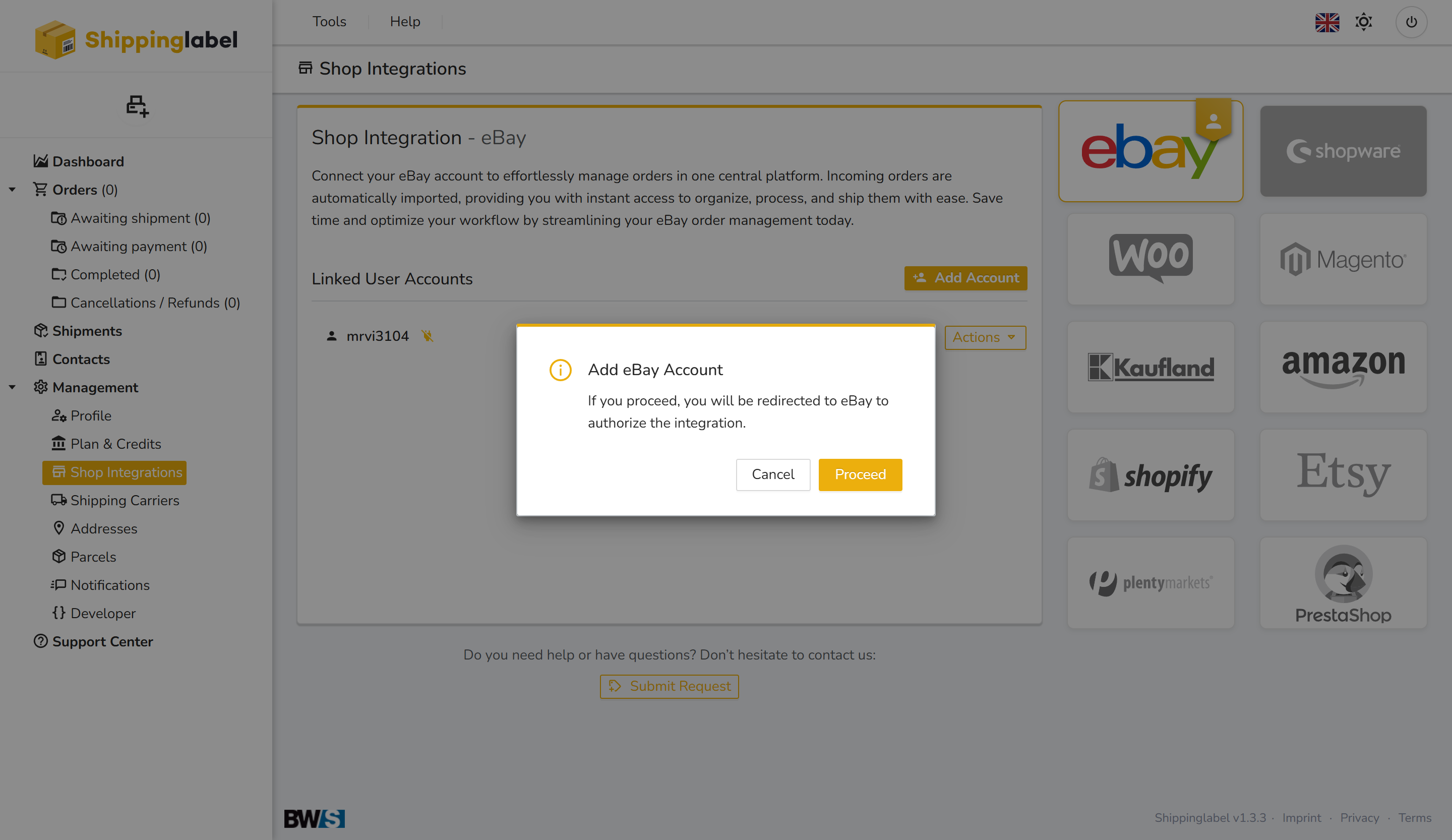
Click the Add Account button. A dialog will appear informing you that you will be redirected to eBay to authorize the integration.
- Click Continue in the dialog box
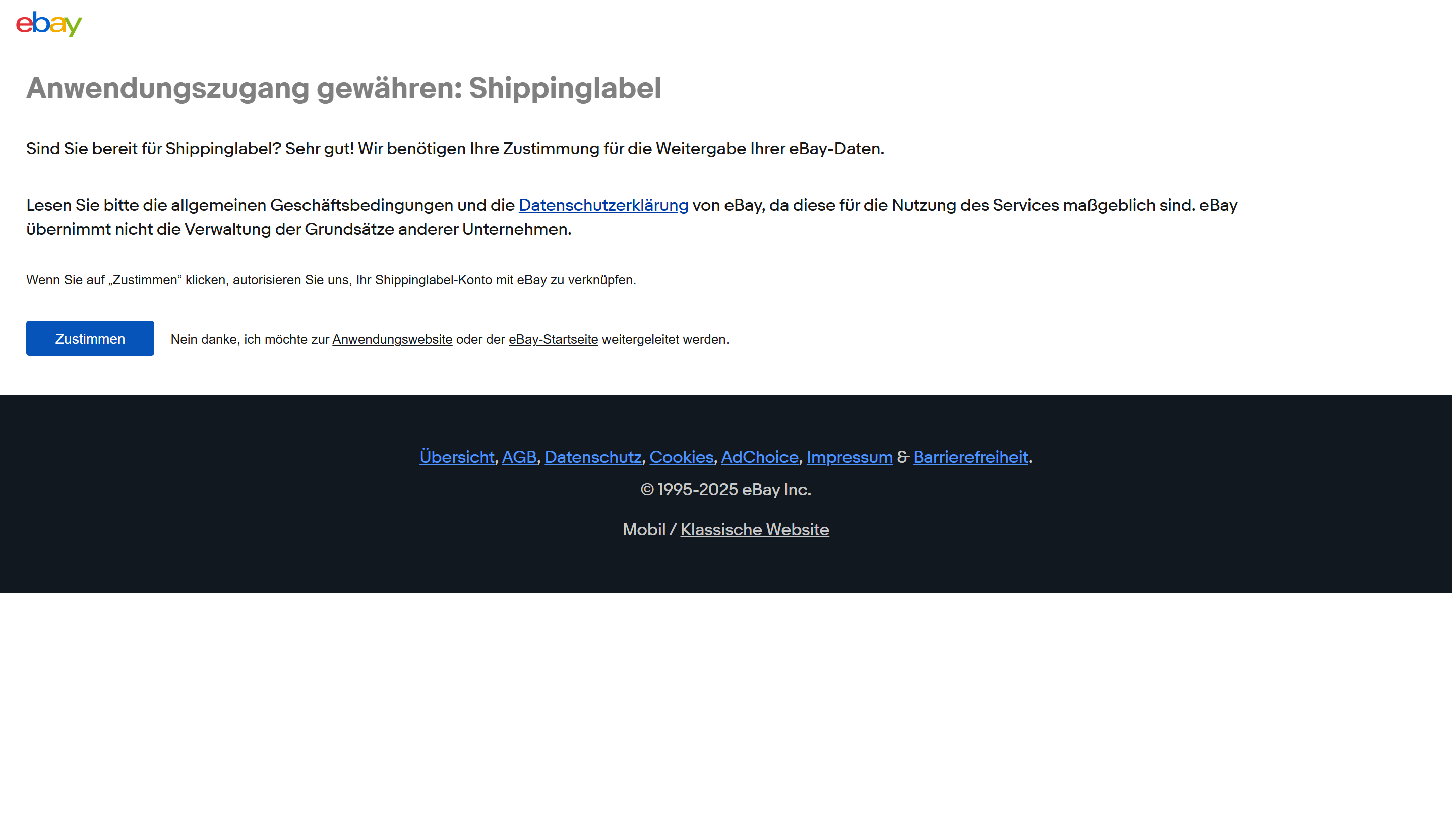
Step 3: Authorize Access on eBay
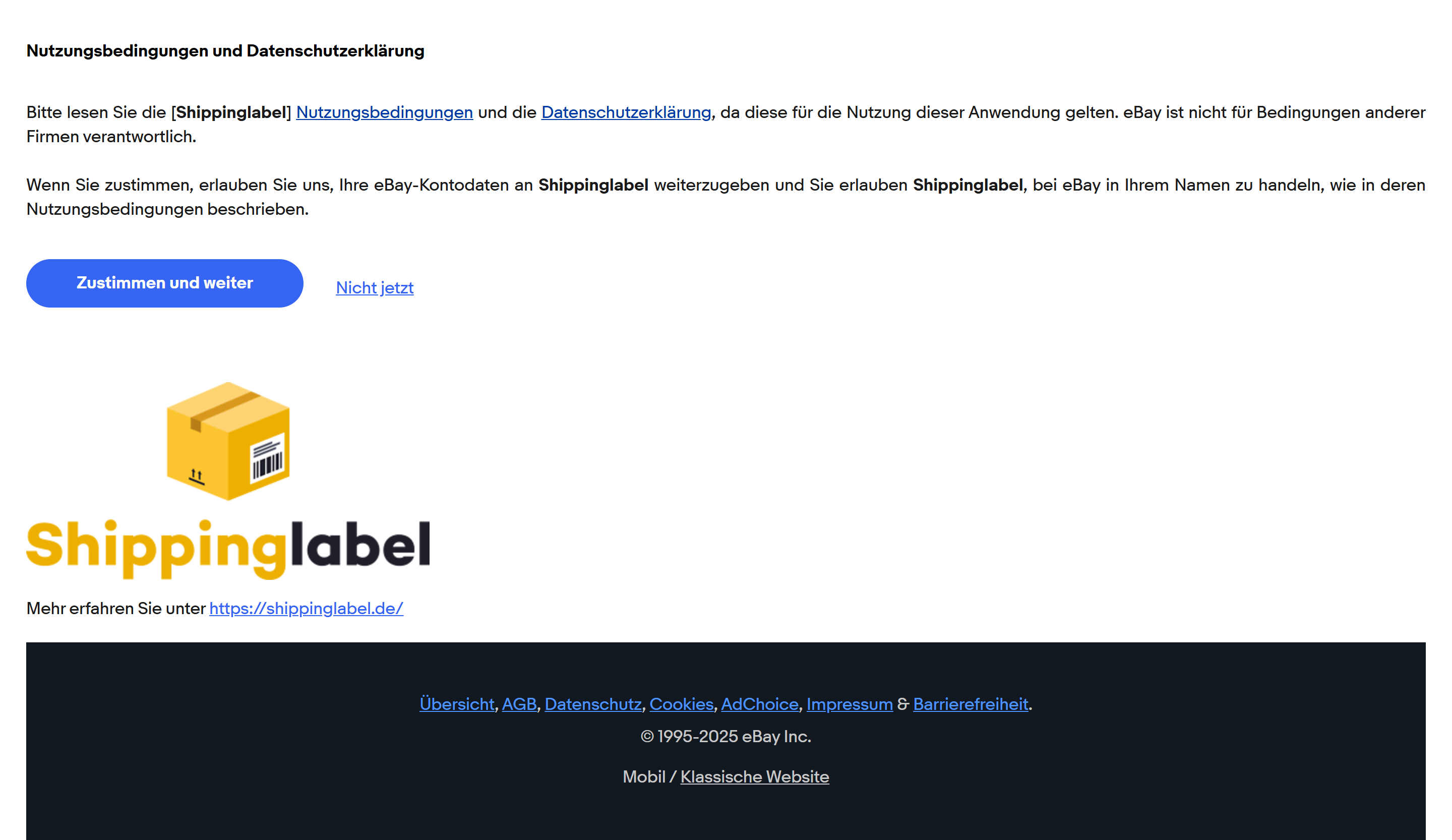
You will now be forwarded to an eBay login and authorization screen. There, you must give consent for Shippinglabel to access your order data and manage it on your behalf.
- Read and accept the Terms of Use and Privacy Policy.
- Click on Agree and Continue.
Step 4: Successful Connection
Once the authorization is complete, you will be redirected back to Shippinglabel. Your eBay account will now be listed under Linked User Accounts, showing your eBay username and the token’s expiration date.
Step 5: Manage Your Linked Account
After connecting your eBay account, you can access additional options by clicking the Actions dropdown next to your linked user:
- Renew Token: Extend access if the token is about to expire.
- Test Integration: Check whether the connection is functioning properly.
- Deactivate Synchronization: Pause automatic import of orders.
- Delete: Permanently remove the integration.