With Shippinglabel, you can easily link your existing myHermes business account and start creating shipping labels directly from the platform. This guide walks you through the integration process step by step.
Requirements
To proceed, you need:
- An active myHermes business account
- Your login credentials (username and password)
Step-by-step Setup Guide
1. Select the carrier “Hermes”
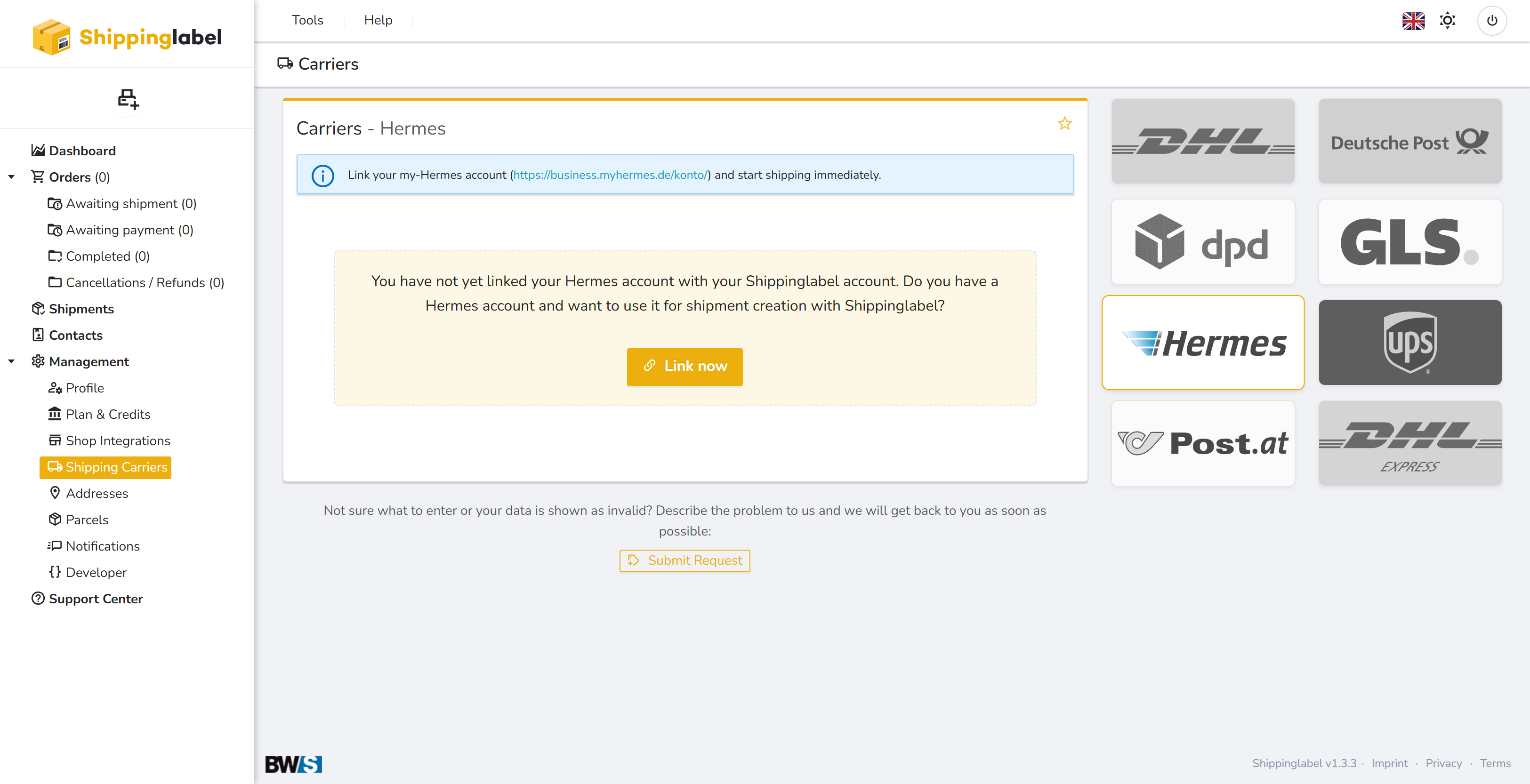
In the left sidebar, go to Management → Shipping Carriers and click on the Hermes logo.
You will see a message stating that your Hermes account is not yet linked.
Click Link now.
2. Log in to Hermes
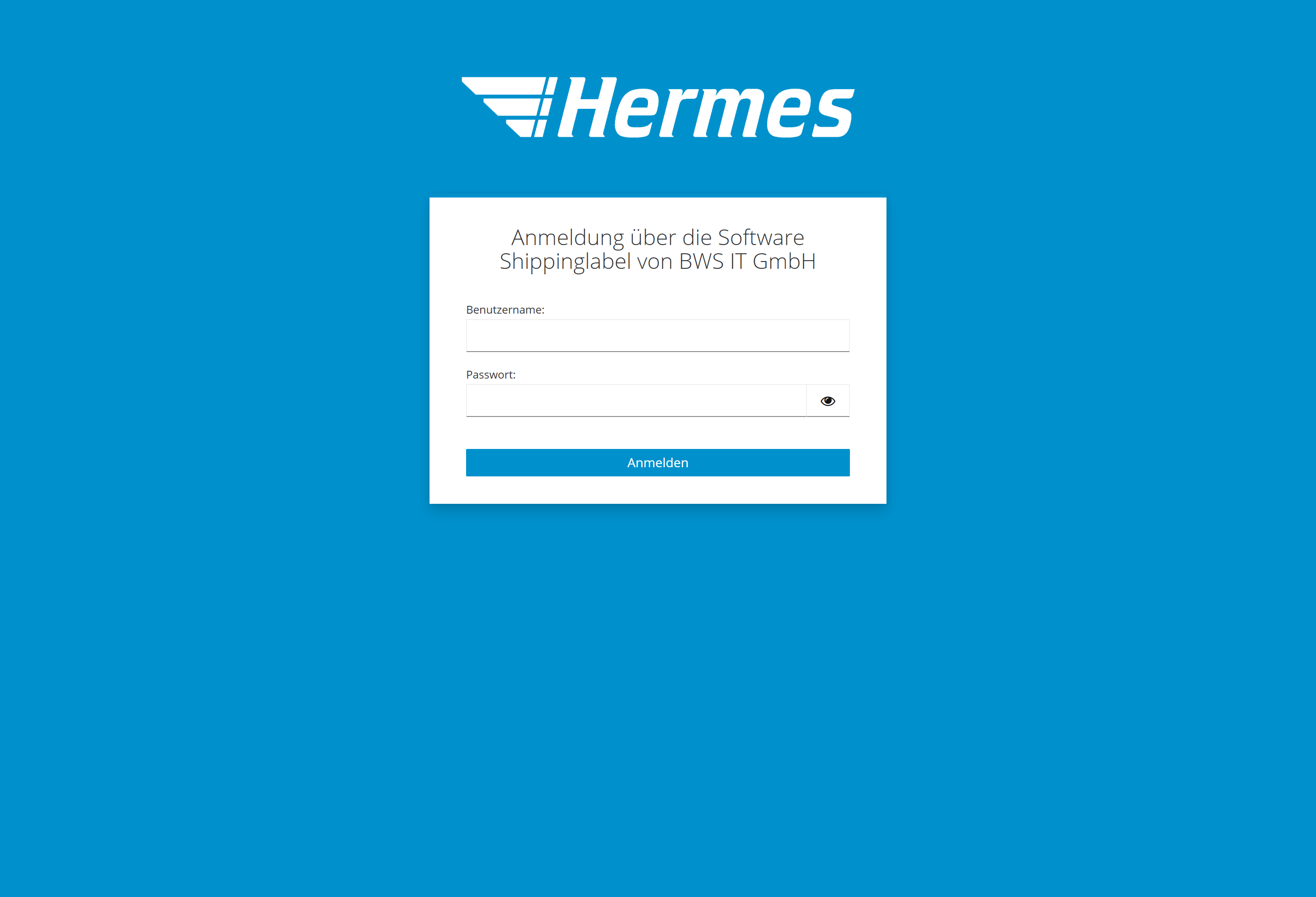
You will be redirected to the official Hermes login page.
This page is clearly marked with the message:
Login via the software Shippinglabel by BWS IT GmbH
Enter your Hermes username and password on that page.
3. Confirm the connection
After successful login, you will be redirected back to Shippinglabel.
The integration is now complete and you can immediately start creating Hermes shipping labels within the platform.